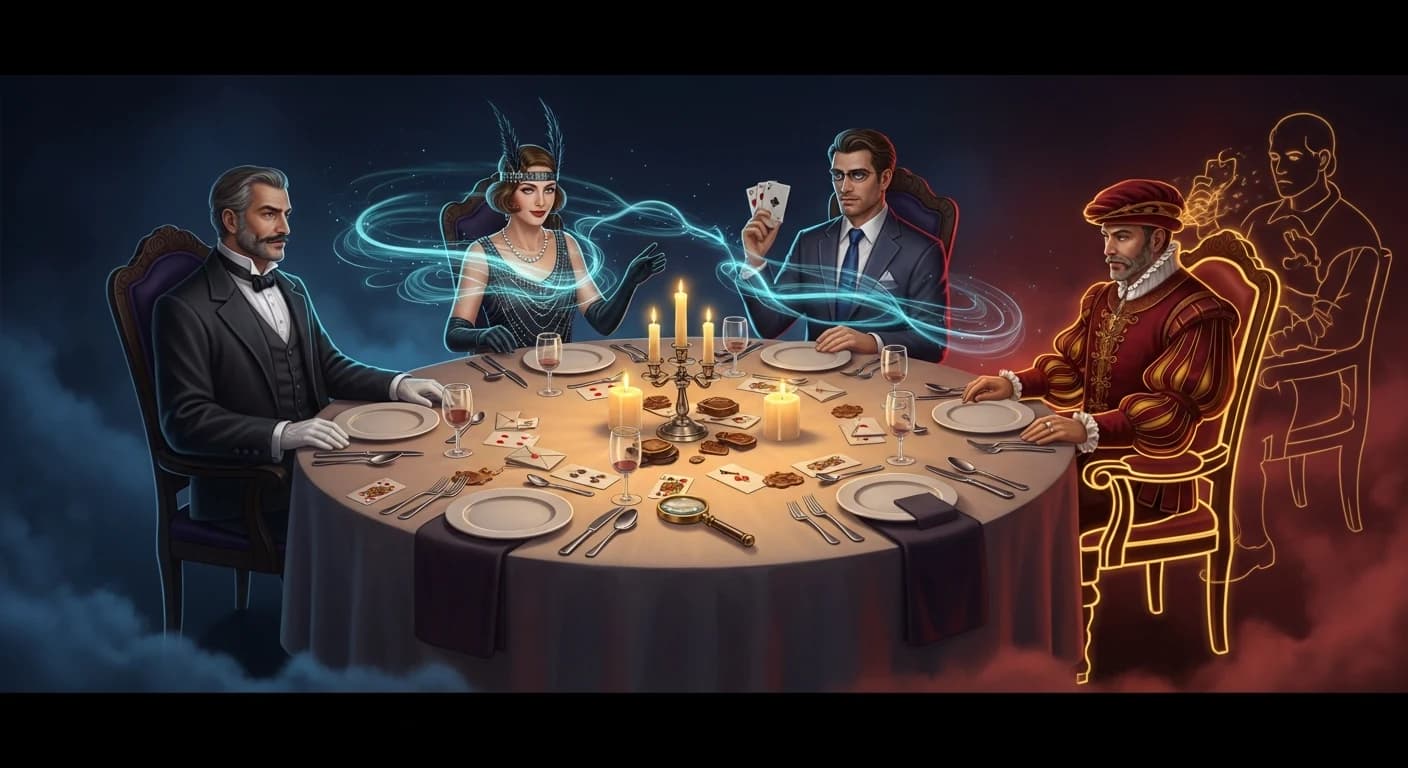
Mystery Shaper now lets you start from any catalog game and customize it as much — or as little — as you want. Open a catalog mystery, click Customize, and the wizard opens with everything pre-filled: setting, time period, tone, player count, and the catalog story as your starting point. From there you can keep everything and just adjust one detail, swap the entire world, or twist the plot into something new.
The catalog game becomes a starting point instead of a finished product. This article walks through what changes, what stays, and when each level of customization makes sense.
Why we built it
Until now, picking a mystery was a binary choice. Either you grabbed a catalog game — fast, ready to play, but exactly as designed — or you built one from scratch in the custom wizard, with every detail decided by you. Most hosts wanted something in between: a proven story that fits their specific group, with one or two adjustments.
Catalog-as-template closes that gap. The catalog gives you a great starting point. The wizard lets you shape it from there.
How it works
On any catalog game detail page, you'll see a Customize button next to the buy button. Click it, and the wizard opens with the catalog game pre-loaded as your starting story. Everything else — setting, time period, tone, mystery type, player count — is pre-filled from the catalog game.
From there, the wizard works exactly the same as a from-scratch build:
- Skip through any step that's already right
- Change the player count, and the AI scales the cast
- Swap setting, time period, tone, or mystery type
- Edit individual characters with the character editor
- Add your own story idea to shift the plot
When you generate, the AI builds a fresh game from your final inputs. The result is yours — not a modified catalog copy.
Customization stays fast as long as you only change what you need to. The wizard remembers the catalog game's settings, so you can skip every step that's already correct.
A spectrum of customization
How much you change is entirely up to you. Most use cases land at one of these five levels.
Level 1: Change just the player count
The catalog ships at fixed player counts. Sometimes the perfect game is for six players but your dinner is for eight. Open the game, click Customize, change the player count, regenerate. The AI scales the cast — adds new characters, redistributes clues across everyone, rebalances motives, and re-validates the case end-to-end. Total time: about three minutes.
This is the most common reason hosts use the template flow.
Level 2: Swap the setting or time period
The mystery structure works for your group, but the world doesn't. Maybe the catalog game is set in a Victorian manor but your group prefers contemporary stories — or you want to push a tech-company mystery into a 1920s speakeasy. Change the setting and time period, keep everything else. The AI rebuilds the world around the existing case logic. Same mystery shape, different atmosphere.
Level 3: Tweak the characters
Use the character editor to keep the cast structure but personalise individual characters. Rename them, switch genders, layer in personality traits, habits, and catchphrases. The AI keeps each character's role in the case intact while rewriting how they appear in the dossiers and dialogue.
This is the simplest way to make a catalog game feel like it was written for your specific guests.
Level 4: Reshape the plot
Use the Your Own Story Idea field. Tell the AI something like "the murder should happen during the dessert course" or "the host has been secretly embezzling from the charity they all support". The AI re-derives the motive structure, the clue trail, and the final reveal around your direction. Setting and characters can stay the same; the case becomes a different mystery.
Level 5: Full reinvention
Sometimes the catalog game is just inspiration. You like the Victorian manor framing but you want a contemporary tech-startup setting, comedy tone, eight characters, and your own story angle. Change everything, generate, and the result is a brand-new mystery that only shares its starting concept with the catalog game.
There's no wrong amount of customization. The catalog game is the seed — what you grow from it is yours.
When to use catalog-as-template
| Situation | Best path |
|---|---|
| You browsed the catalog and one game is a perfect fit | Buy it as-is — instant download, no setup |
| One small thing is wrong (player count, language, tone) | Use it as a template — change that one thing |
| You like the world but want a different murder or scandal | Use it as a template — keep setting, swap story |
| You have a strong, specific vision already in mind | Start fresh in the wizard — don't constrain yourself |
| You're not sure what kind of evening you want | Browse the catalog first, then customize what catches your eye |
For most hosts, the catalog-as-template route lands somewhere in the middle of those rows. Browse the catalog to find a story that feels right, then adjust the parts that don't fit your specific group.
Customization is independent of catalog purchases. Buying a catalog game gives you the as-designed version. Customizing creates a new game with its own files — characters, clues, dossiers, host guide, audio — all freshly generated.
Frequently asked questions
Does customizing a catalog game cost the same as a custom mystery? When you customize, the result is a custom game, so the custom mystery price applies — not the catalog price.
Can I save a customized version separately? Each generated game is saved to your account as its own game. The original catalog game is unchanged and stays available to other users.
What if I change my mind mid-wizard? You can go back to any step. Your changes aren't saved until you generate.
Do the character voices and audio narration get regenerated too? Yes — every PDF, dossier, and audio file is freshly generated for your customized version.
Can I customize a catalog game I've already bought? Customization happens before generation, so it starts from the catalog detail page, not from a purchased game. Open the catalog game and click Customize to start a new, customized version.
Will the mystery still hold together if I change a lot? Yes. The AI re-validates the plot end-to-end after generation, so clues, motives, and round reveals stay consistent regardless of how many inputs you changed.
Try it on your next mystery
Open the catalog, pick a mystery that's close to what you want, and click Customize. Change as much — or as little — as you want.
If you want a deeper dive on what each input actually changes, read How Customization Actually Changes Your Murder Mystery Game. For character-specific customization, see Three Ways to Customize Murder Mystery Characters.